ComfyUI 已登录 Comfy Cloud 云端平台
Your custom ComfyUI is now in Comfy Cloud
用户现在可以通过Comfy Cloud在浏览器中创建、编辑和运行ComfyUI工作流,云端管理GPU基础设施,支持团队自定义节点和模型,并按需选择RTX PRO 6000至H200等级GPU,标准版起每月$1.75/小时计费。
You can now run your ComfyUI setup from anywhere.
Create, edit, and run workflows in your browser with your team’s custom nodes and models. Comfy Cloud manages the GPU infrastructure, so you can focus on the work instead of maintaining a separate setup for every artist.
Bring new artists onto a project, take on workflows heavier than your own hardware can handle, and run more jobs at once when the work picks up. It all happens in the ComfyUI canvas you already know, with control over every step.
Your team’s custom Build is now available in Comfy Cloud on every paid plan.
One setup for the work ahead
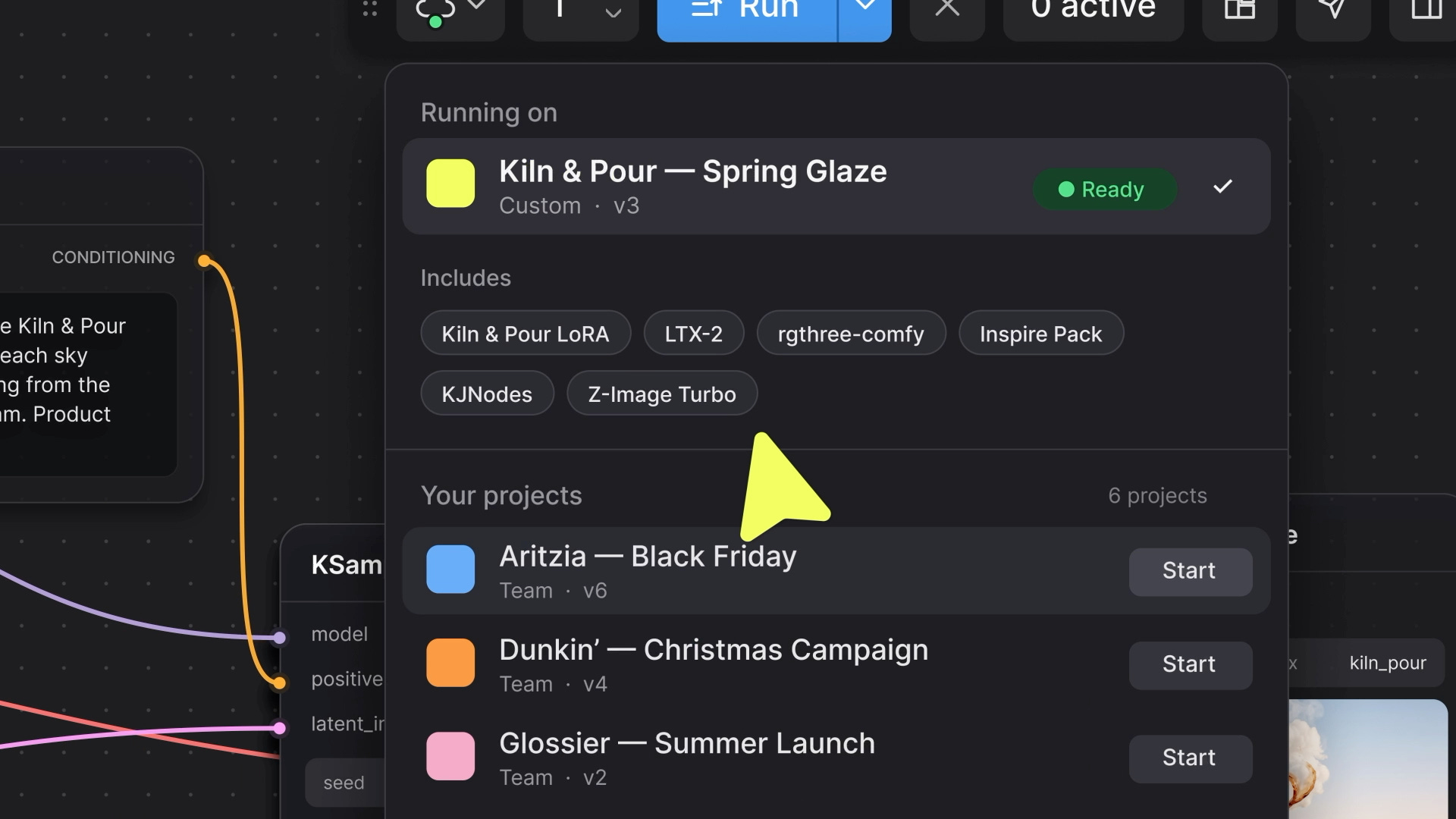
A new artist joins your team halfway through a campaign. They open Comfy Cloud and have the same nodes, models, and LoRAs as everyone else, without setting them up locally.
As your project evolves, the team can add a new LoRA to its setup and roll out an update. Artists can continue working in the ComfyUI canvas, and developers can run workflows through the API using the same setup.
Your custom nodes and models in ComfyUI
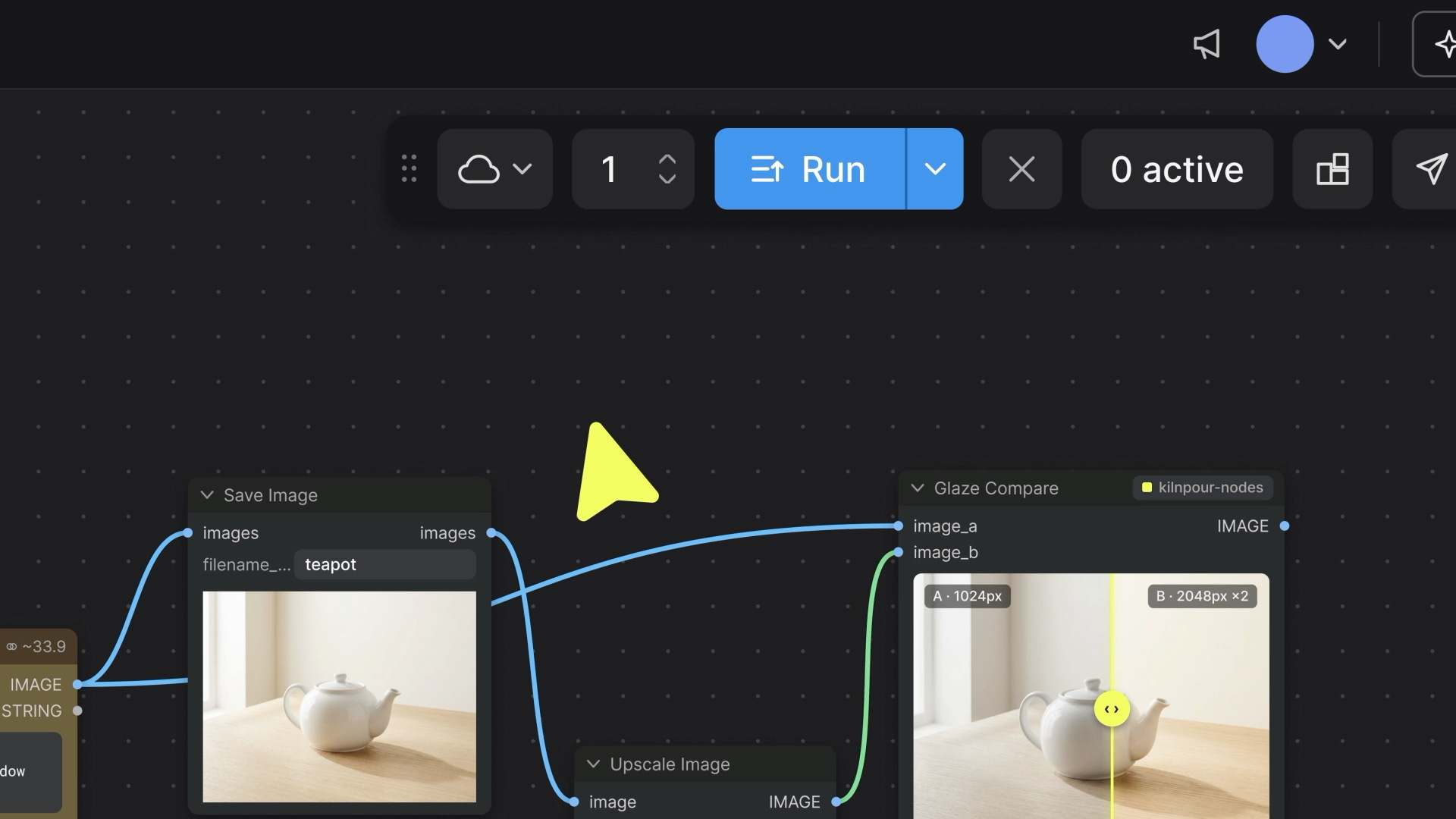
A Custom Build packages your team’s supported nodes, models, LoRAs, and their dependencies.
You can include your own private or internal node packs, too. Pick your team’s setup in the Comfy Cloud editor, then adjust prompts, parameters, and connections, run your workflow, and inspect the results on the familiar canvas.
You can create and edit different workflows with the same setup without rebuilding it, as long as the nodes and models they need are already included.
Need the standard setup instead? Standard Comfy Cloud is in the same editor, a click away.
Learn more about Custom Builds on Comfy Cloud.
Not limited by your local hardware
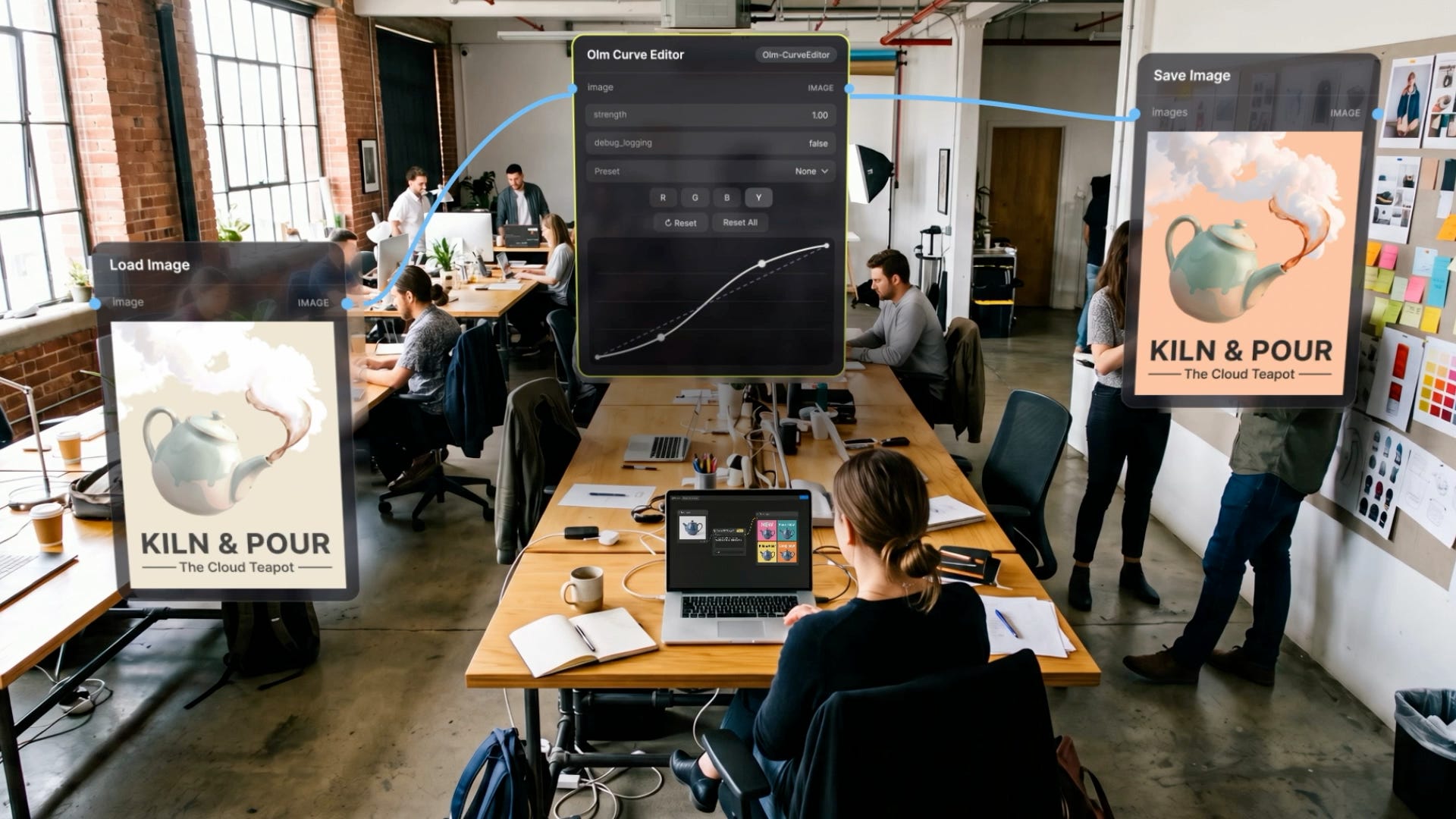
You don’t need to buy a more powerful GPU to run a heavier workflow.
In Comfy Cloud, you choose the GPU for your team’s setup, from the RTX PRO 6000 (48GB or 96GB) up to H100, H200, and the 180GB B200.
Your setup scales with the work, too. Run more jobs at once when your team or clients need it, and Comfy Cloud automatically scales back down when they finish.
Opening or editing the canvas alone doesn’t start a GPU. GPU charges apply while workers are running, including during a keep-alive window or when workers are kept warm.
Getting your team set up on Comfy Cloud
Setup happens once, usually by whoever owns your team’s ComfyUI pipeline.
Package your setup. On the Developer Platform, start from a workflow or a Comfy Desktop snapshot. The builder finds the custom nodes and models it needs and helps resolve dependency conflicts. Check the supported custom nodes first; complex packs can take some troubleshooting.
Choose a GPU and deploy. Comfy Cloud runs the hardware.
Your team opens it in Comfy Cloud. Anyone in your workspace can pick it in the editor and start creating.
The docs cover the rest, including packaging from the command line, rolling out updates, and running workflows by API.
Pricing and availability
Custom Builds are included in every Comfy Cloud paid plan, starting with Standard.
Your plan sets how many custom Builds your team can keep and how many jobs each can run at once, from 2 at a time on Standard and Creator up to 20 on Team.
GPU time is billed by the second while workers are running, including during a keep-alive window or when workers are kept warm. Rates range from $1.75/hr to $11.23/hr depending on the GPU. Your team’s models live on network storage, billed monthly.
Inviting teammates to your workspace is available on the Team plan.
See pricing for every GPU rate and plan limit.
What this means
Comfy started with a belief that the people making images and videos with AI should have control over how they’re made.
That means choosing your models, building with the open ecosystem, and being able to see and change every step.
Comfy Cloud brings that control to your whole team. Your artists can work with the tools you’ve chosen, on the GPUs you need, wherever they’re creating.
We’re building toward a future where creative teams can take their ideas from experiment to production without giving up the tools, workflows, or creative decisions that make their work their own. Today’s launch is another step towards that goal.
Start creating on Comfy Cloud
来源: Comfy Blog · blog.comfy.org