Amp 推出 Spaces 功能,以空间方式与智能体和团队交互
Spaces
Amp 推出 Spaces 功能,允许用户通过单个智能体与其团队进行对话,该智能体负责生成和协调其他智能体,简化线程创建和组织工作。Amp 团队试用 Spaces 几周后认为,这是未来与智能体交互的方式,提供全局视角和必要时的细节深入。 Spaces 已用于协作新功能开发、服务账户发布与支持、以及定期安全审查等场景。
Today we're launching spaces, a new way to interact with agents and your team in Amp.
A space is a conversation with a single agent whose job is to spawn and coordinate agents for you. You no longer have to create and organize threads yourself; the agent in a space will do it for you.
It's a new, higher-level way to work with many agents.
After using spaces for the past few weeks, we think this might be the future of interacting with agents. There's something special about this way of working. You operate with a birds-eye-view but can still dive into the weeds when necessary. It's more like sitting in the captain's char than down in the trenches.
We also found that we naturally moved into the space to communicate with each other. Instead of Slack, we found ourselves taking video calls and discussions into the space.
Here are some examples of how we've been using spaces at Amp.
Collaborate on a New Feature
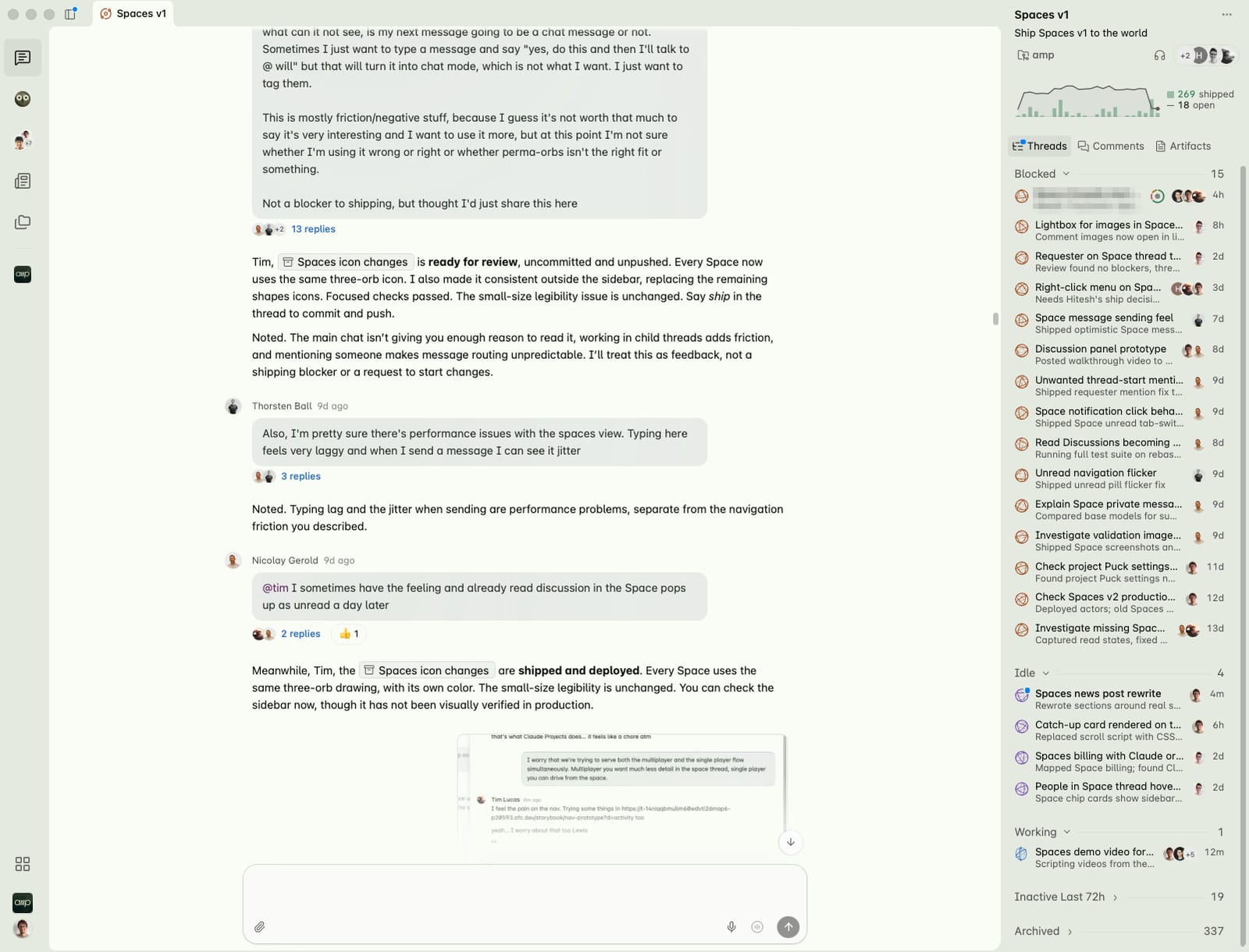
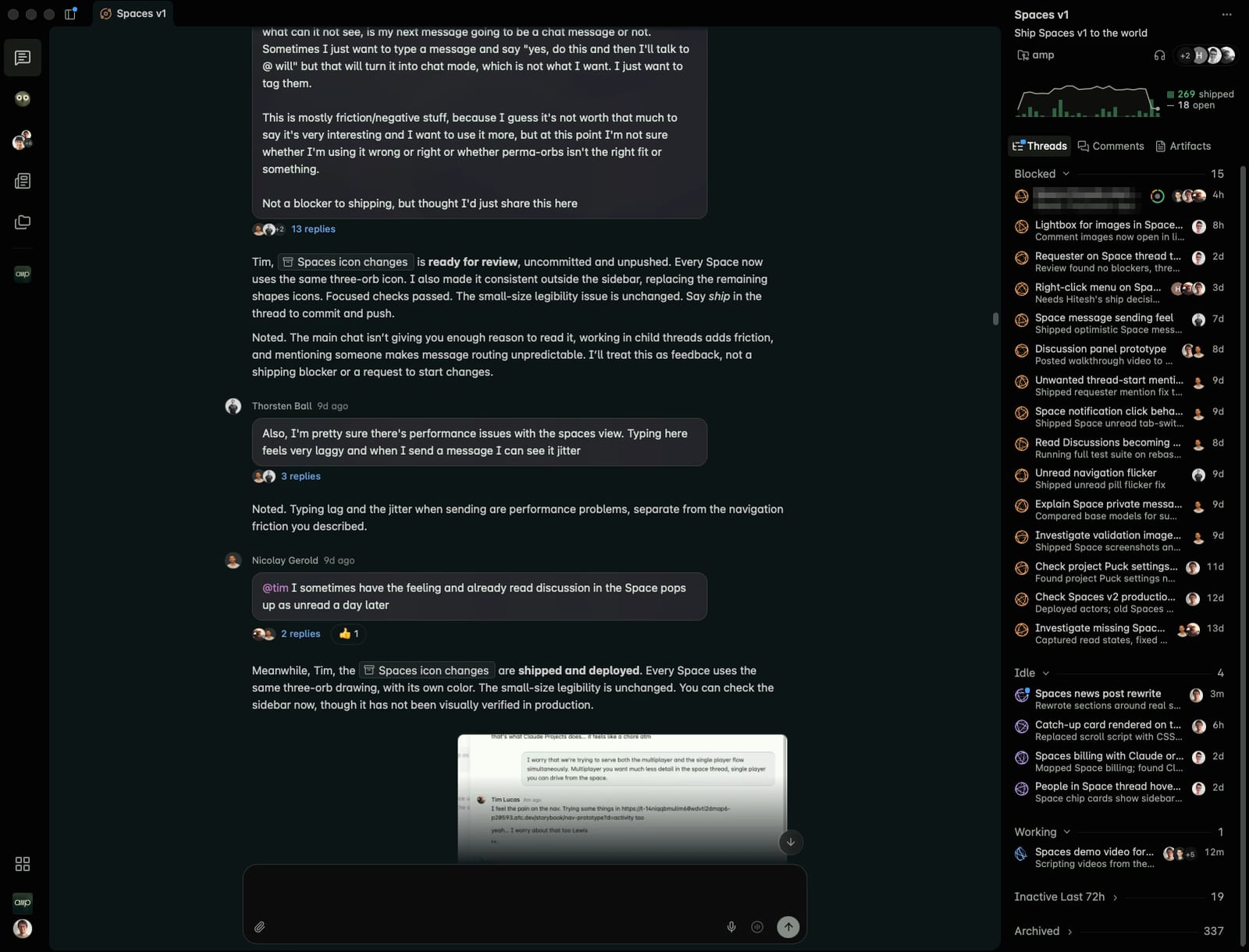
Spaces were built in a space. Tim, Lewis, Nicolay and the rest of the team shared one called "Spaces v1", dropped feedback, bugs and new ideas into the chat, and the agent delegated them into threads. When they needed to talk, they used comments to chat and then tagged in Amp when we were ready.
Launching and Supporting a Feature
Lewis ran the launch of service accounts from one space. From the space, Lewis could roll out the feature, monitor X, Slack, and bug reports for issues, fix incoming bugs, and send out emails and refunds to affected users. The space monitored user issues and system health for the rest of the week.


Regular Security Reviews
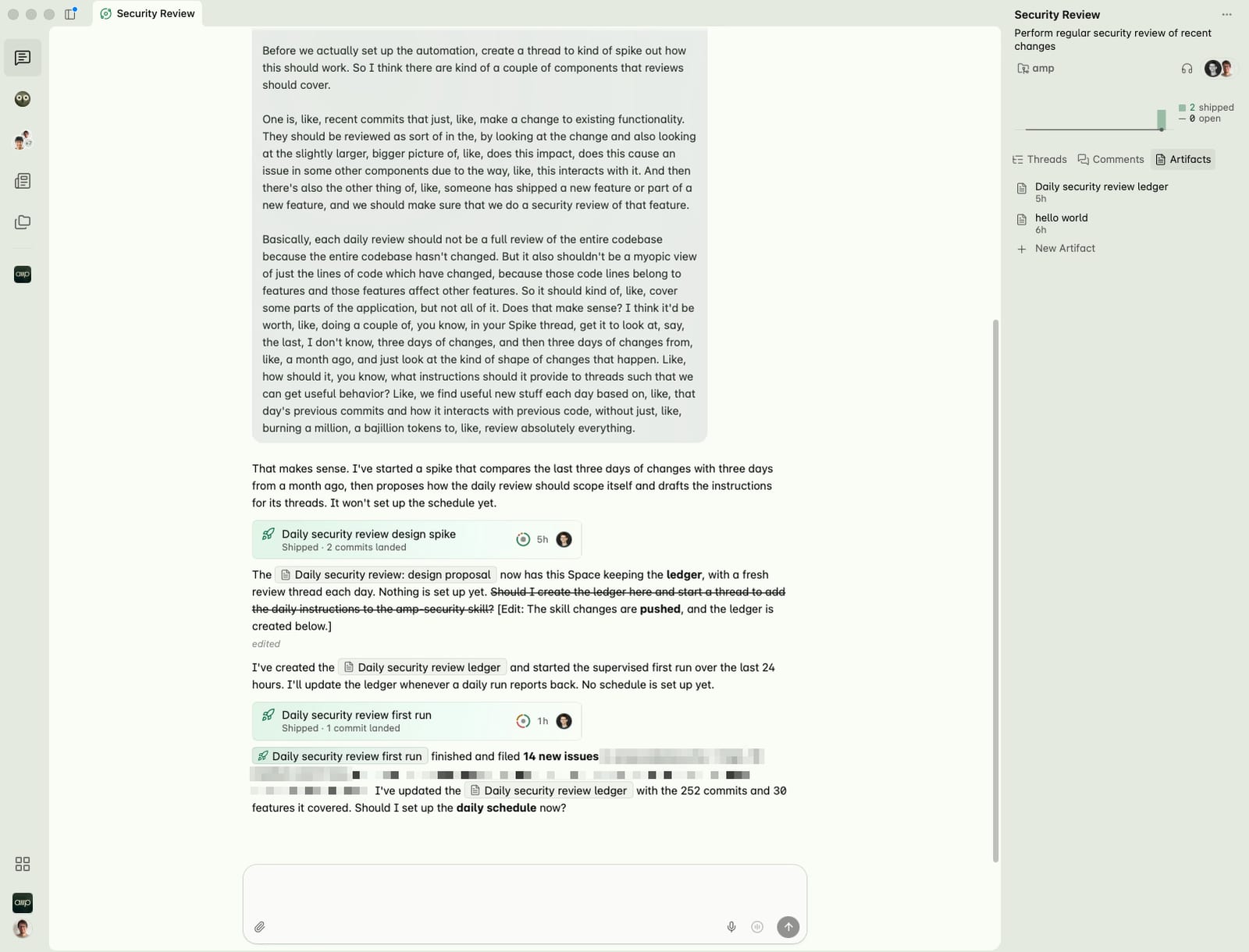
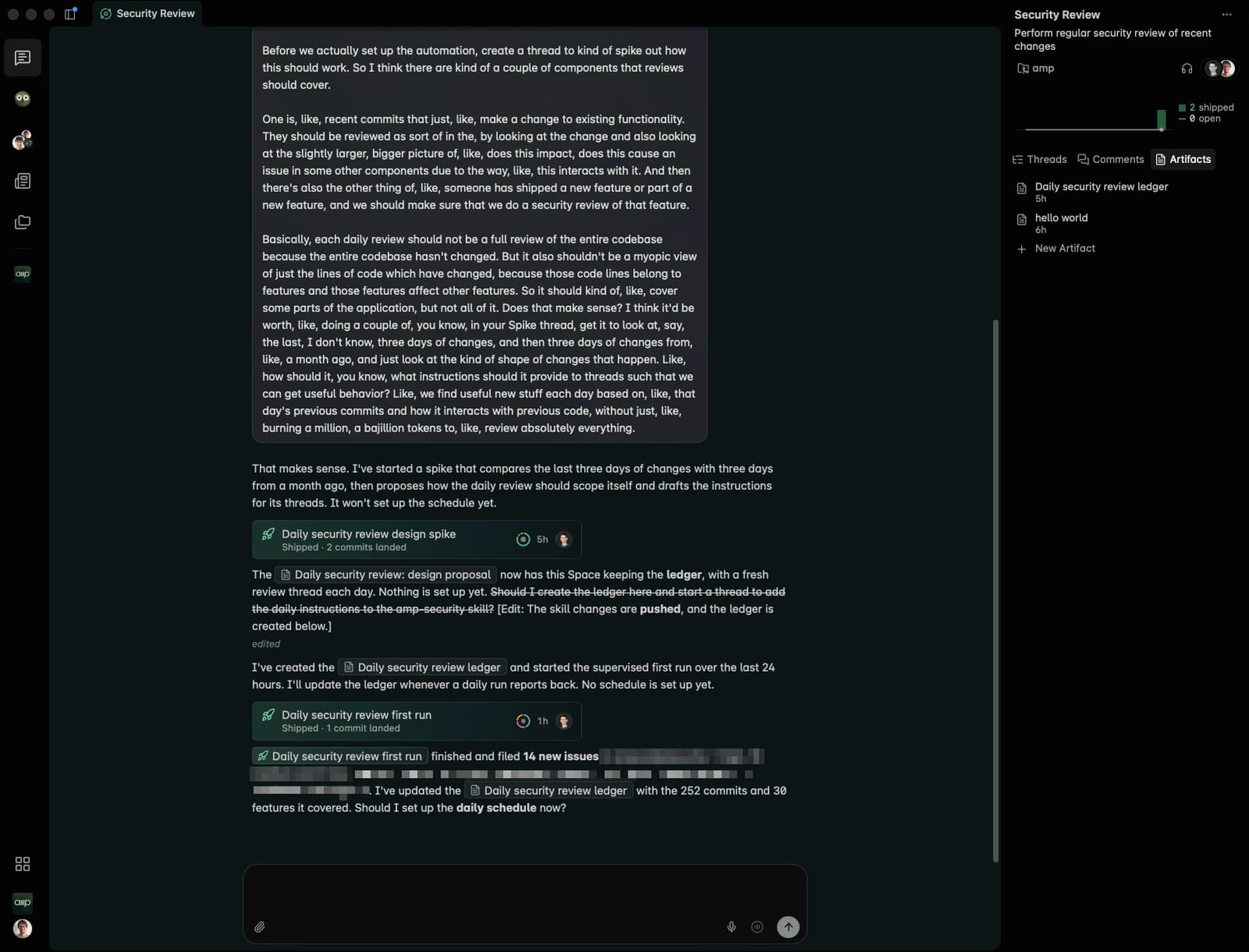
Will gave a space a goal: review recent changes for security issues. Its first run split the codebase into 16 areas, reviewed each in its own thread, checked every finding in another, and kept a summary artifact in the space for Will to review and track.
To start a space, use the + in the Spaces section of the sidebar, set a title and a project, and then tell your agent what to work on.
来源: Amp News · ampcode.com