Amp 成为 Linear 中的智能体
Assign It To Amp
在 Linear 中将问题分配给 Amp 会启动新的 Agent Session 并生成新的 orb,也可以通过 @Amp 启动会话。Amp 会将其回复发送回同一会话并回复中途收到的消息。Agent Session 也会出现在 Amp 侧边栏中并可完全查看。安装 Amp agent 到 Linear 工作区并连接 Amp 账户到 Linear MCP 即可开始使用。
Amp is now an agent in Linear.
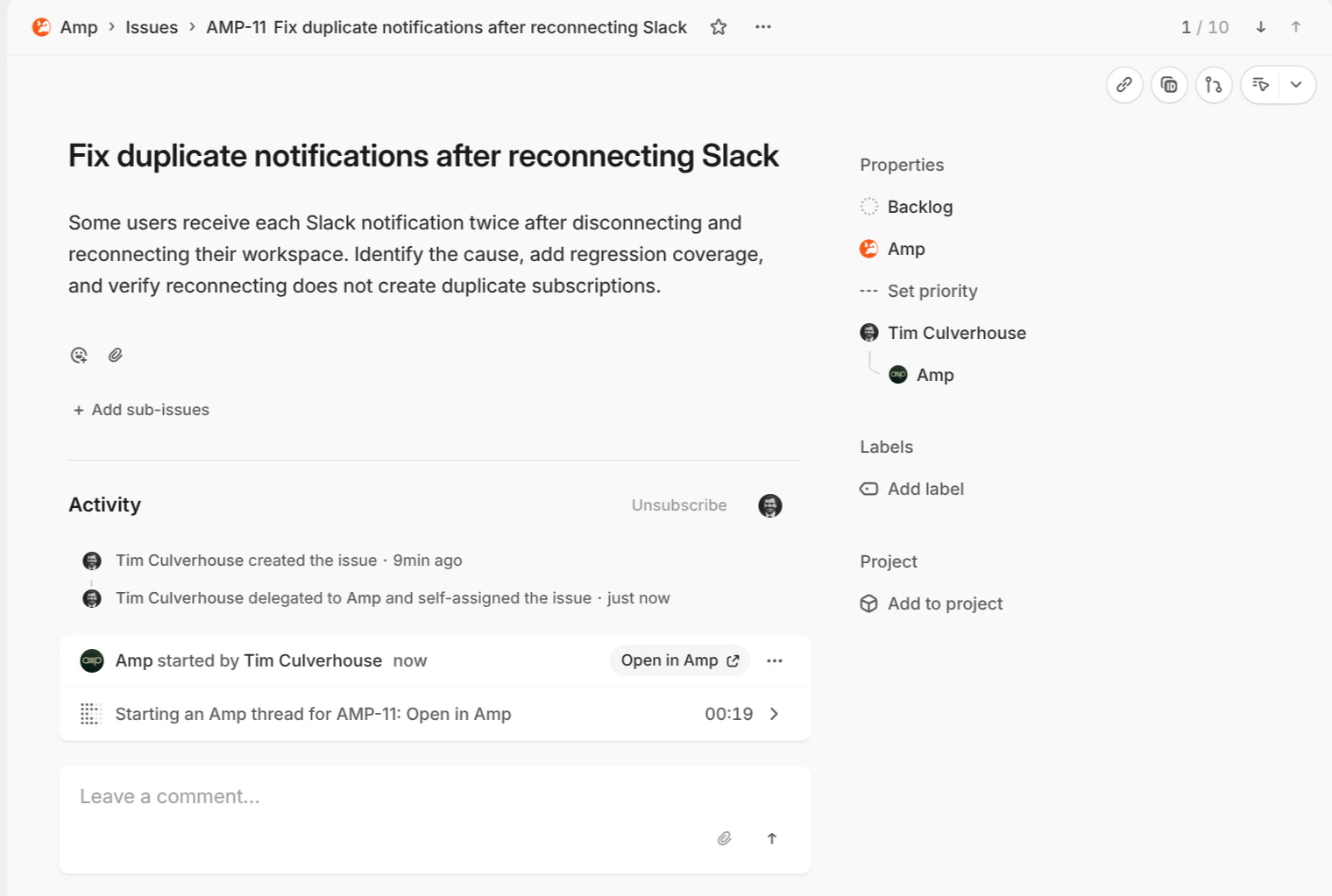
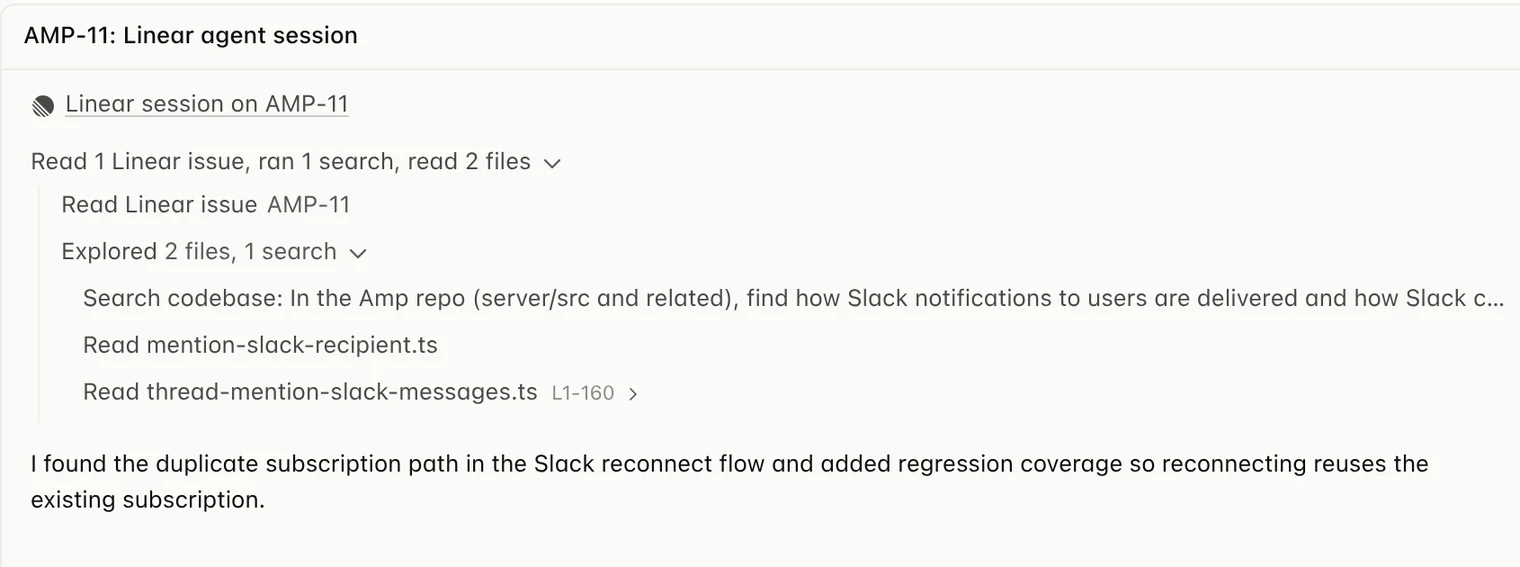
Assigning an issue to Amp starts a new Agent Session in Linear and spawns a new orb. You can also mention @Amp to kick off a session. Amp sends its response back to the same session and replies to messages sent along the way. The Agent Session also appears in your Amp sidebar and is fully viewable in Amp.
Assign Amp an issue in Linear.
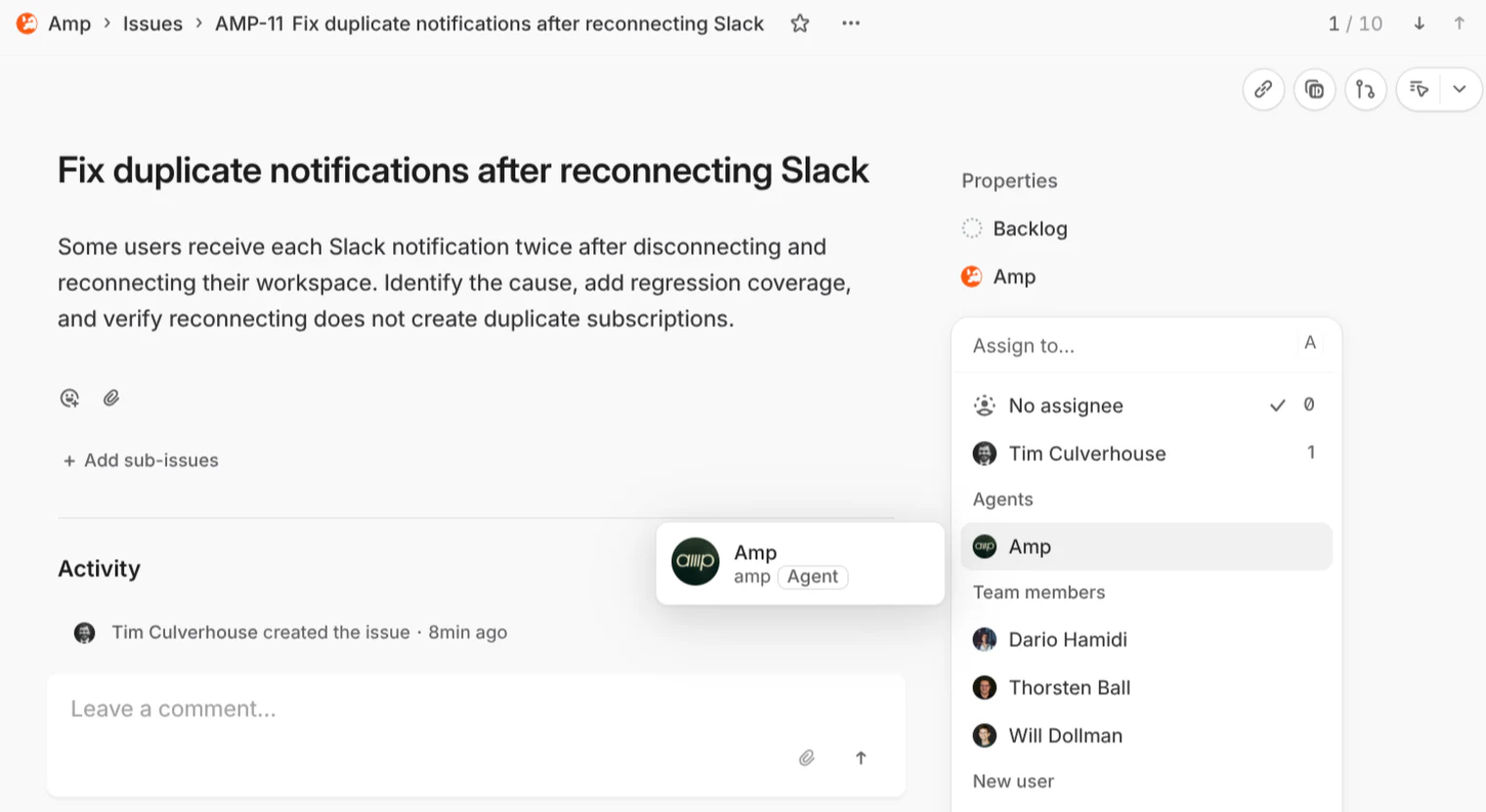
Follow its progress in the Agent Session.
Then open the same conversation in Amp.
To get started, install the Amp agent in your Linear workspace and connect your Amp account to the Linear MCP in Settings → MCP & Integrations.

Read the docs to learn more.
来源: Amp News · ampcode.com