如何在 ChatGPT 和 Claude 中使用 Puck
Take Puck with You
用户可通过 MCP 与 Puck 交互,在 ChatGPT 或 Claude 中构思后将其任务发送至 Puck 实施并管理。Puck 知晓用户在 Amp 中的项目并路由至正确模块,支持在 ChatGPT 中直接查看 Amp 工作进度。MCP 提供 puck 工具用于 Amp 交互和 orbs 工具展示运行模块的交互视图。
You can now talk to Puck from ChatGPT, Claude, and other agents via MCP.
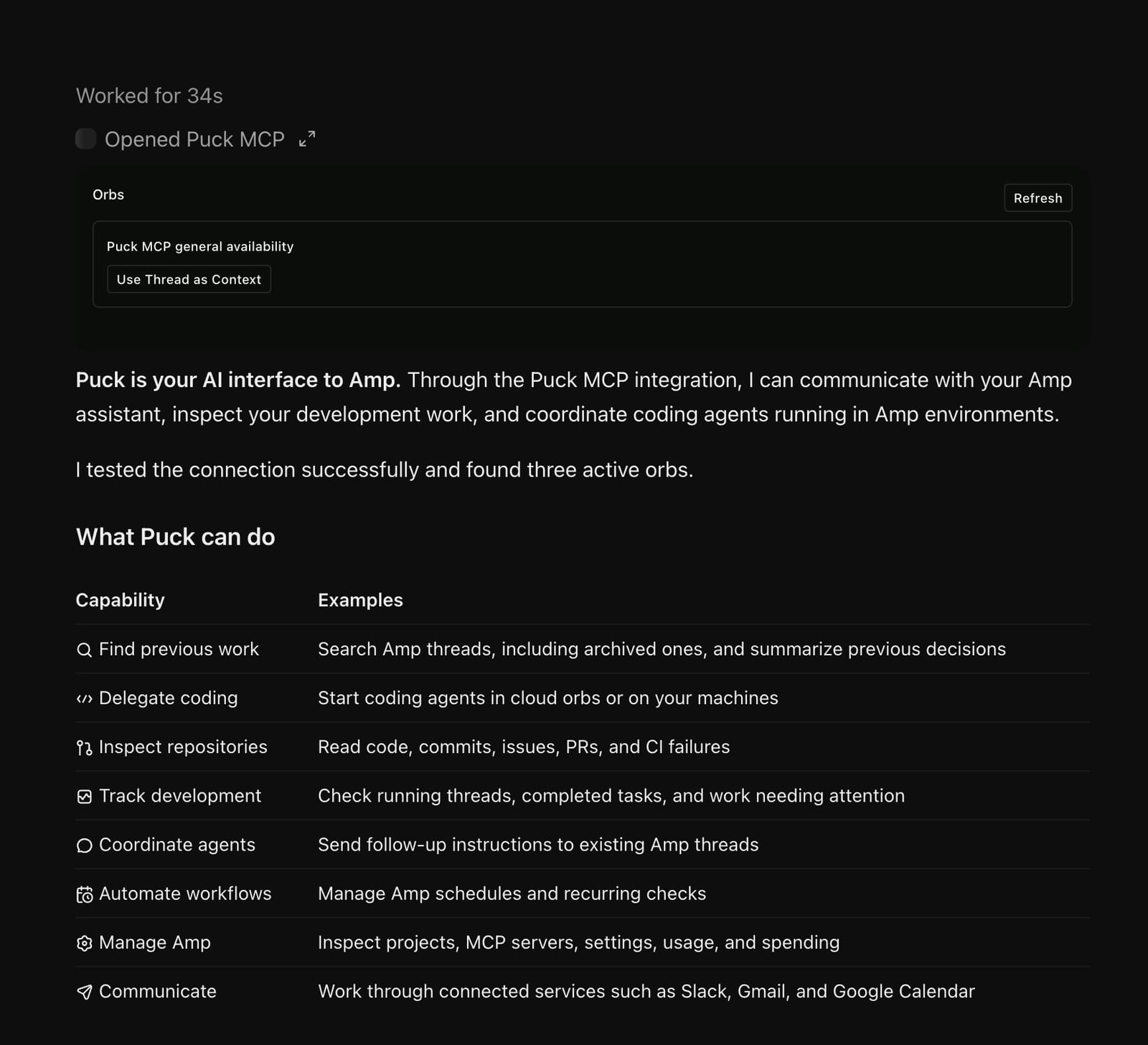
After developing an idea with ChatGPT's voice mode on a walk, send it directly to Puck for implementation. Puck knows your projects in Amp and routes it to the right orb. In the same conversation, you can check in on your work in Amp directly from ChatGPT.
Puck MCP offers two tools: puck for interacting with your Puck in Amp, and orbs for showing an interactive view of your running orbs with links to their portals.
You're talking to the same Puck you use in Amp. It can look through your threads, find earlier work, and coordinate your agents.
To connect, open Settings > Puck. Click Add to Claude, or copy https://ampcode.com/mcp into ChatGPT or another MCP client, then sign in with your Amp account.
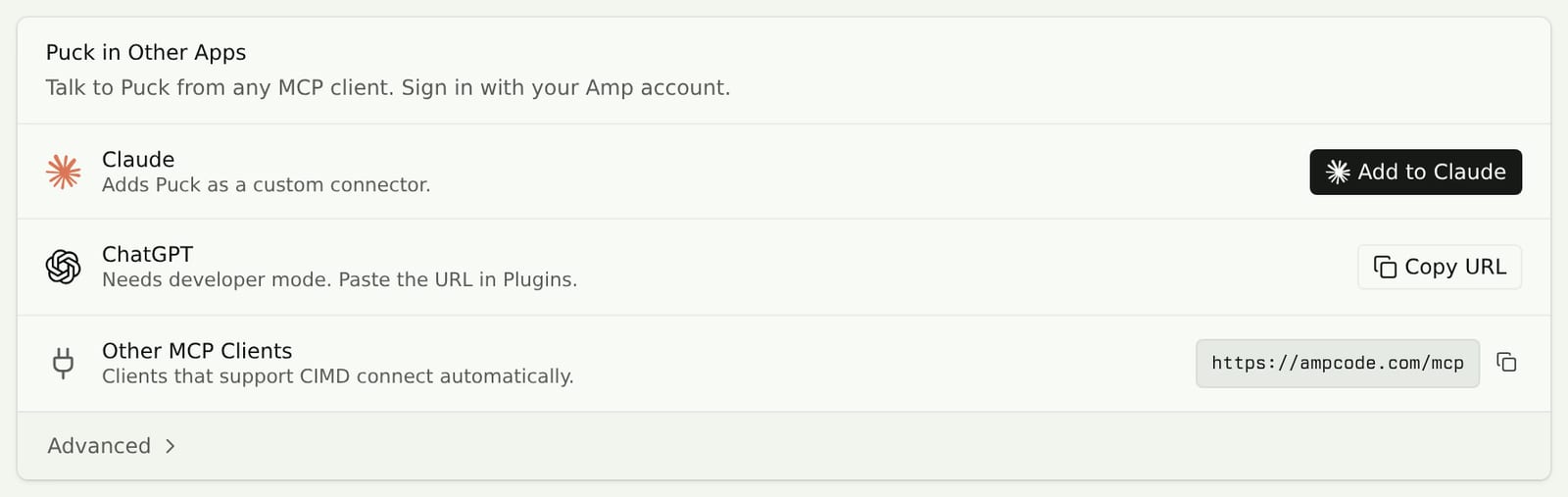
See Use Puck in Other Apps for details.
来源: Amp News · ampcode.com